Bing●●Nick Ostroff
Microsoft Advertising Setup for Furniture Retailers
A step-by-step look at setting up Microsoft Advertising for furniture retailers, from account structure and budgets to conversion tracking and how it stacks up against Google Ads.
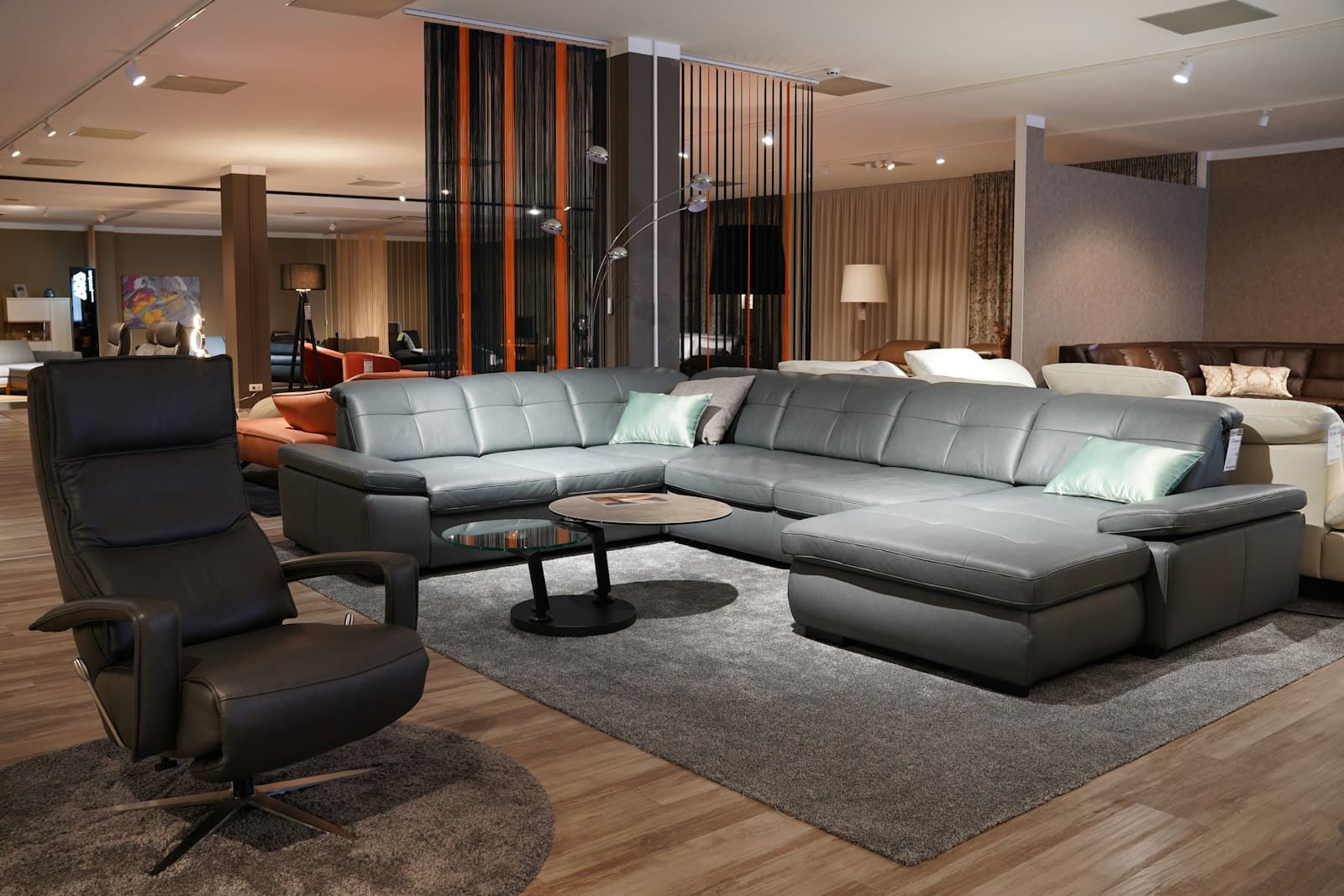
To set up Microsoft Advertising for a furniture business, import your existing Google Ads account or build one fresh, add the UET tag to your site, define purchase and lead conversions, structure campaigns by product category (sofas, dining, mattresses), and start with a modest test budget. Then optimize on the same rules you'd use anywhere. See our Furniture marketing hub for the bigger picture.
How do you set up Microsoft Ads for a furniture store?
The fastest path is to import from Google Ads, then clean up the details Microsoft handles differently.
Create a Microsoft Advertising account, then use the built-in import tool to pull in your Google campaigns, ad groups, keywords, and ads. This saves hours and keeps your structure consistent. If you're starting from scratch, build campaigns around how people actually shop for furniture: separate campaigns or ad groups for sofas, sectionals, dining sets, bedroom, mattresses, and office furniture.
A few setup steps specific to furniture retail:
- Add the UET (Universal Event Tracking) tag to every page, ideally through Google Tag Manager.
- Set up a product feed in Microsoft Merchant Center if you want Shopping ads, which matter a lot for furniture because shoppers buy with their eyes.
- Add location targeting if you have a showroom, and consider a radius around it.
- Turn off the auto-apply recommendations until you understand what they'll do to your account.
One warning: after import, Microsoft doesn't keep your accounts in sync automatically unless you schedule it. Budgets, bids, and negatives can drift apart, so decide whether Microsoft is a managed twin or a standalone effort.
How do you run Microsoft Ads for furniture profitably?
Run it like a real channel, not a leftover, with tight negatives and a focus on high-intent buyers.
Furniture has a wide range of search intent. Someone typing "leather sectional sofa under 2000" is close to buying; someone typing "how to clean a fabric couch" is not. Add negative keywords aggressively for repair, DIY, rental, used, and job-seeker terms so you stop paying for clicks that never convert.
Because furniture is considered and expensive, expect longer sales cycles. People visit multiple times before buying, especially on big-ticket items. That makes remarketing lists (in-market audiences and site visitors) worth turning on early. Microsoft also syncs with LinkedIn profile targeting, which can help if you sell to offices or designers.
Prioritize Shopping campaigns for individual products and search campaigns for category terms. If you want a partner to build and run this, our Pixel – Manager service handles the setup and ongoing optimization, and you can start with a free Google Ads audit that also covers Microsoft.
Microsoft Ads vs Google Ads for furniture: which is better?
Google wins on volume; Microsoft wins on cost and often on buyer demographics, so most furniture retailers should run both.
Google carries the large majority of search traffic, so it's usually where you find scale. But Microsoft Advertising reaches Bing, Yahoo, and DuckDuckGo, plus default search on many Windows PCs and Microsoft Edge. That audience skews older and higher-income in a lot of markets, which lines up well with people buying quality furniture.
What we typically see on Microsoft compared to Google:
- Lower cost-per-click, often 20% to 40% cheaper for similar keywords.
- Less competition in many furniture categories.
- Lower total volume, so it rarely replaces Google.
The practical answer for most stores: keep Google as the primary channel, add Microsoft to capture cheaper clicks and a demographic Google misses. You don't have to choose. You just have to size each one correctly.
How much should a furniture business spend on Microsoft Ads?
Start small, prove it works, then scale, because Microsoft's lower volume means you need real data before committing.
A reasonable test budget for a local or regional furniture retailer is often $1,000 to $3,000 per month on Microsoft, roughly 15% to 30% of what you're spending on Google. That's enough to gather conversion data across a few product categories without betting the whole quarter on an unproven channel.
Because furniture orders are large, even a handful of sales per month can justify the spend. Watch cost per sale and return on ad spend rather than clicks. If a $2,000 monthly budget produces two or three sofa sales at healthy margins, the math usually works.
Scale by category, not all at once. Pour more into the products showing the best return and pull back on categories that don't convert. For a full budget framework, see our pricing page, and if you'd rather learn to manage spend yourself, Pixel – Advisor coaches business owners through it.
How do you set up conversion tracking for furniture on Microsoft Ads?
Install the UET tag once, then define conversion goals for every action that signals a sale or a strong lead.
Conversion tracking is where most furniture accounts leak money, because without it you're optimizing blind. Add the UET tag through Google Tag Manager so you're not editing site code repeatedly. Then create conversion goals in Microsoft Advertising for:
- Completed purchases (with revenue values passed dynamically for ecommerce).
- Add-to-cart and begin-checkout, as secondary signals.
- Phone calls, if people call to ask about delivery or availability.
- Financing applications, showroom appointment bookings, and quote requests.
For big-ticket furniture, offline conversions matter too. If a customer clicks an ad, then buys in your showroom weeks later, you can upload that offline conversion back to Microsoft using the click ID so the platform learns which keywords drive real revenue. This is one of the most valuable and most-skipped steps in furniture retail advertising.
Give the tracking a couple of weeks to collect data before making big changes. Automated bidding needs conversions to work, and rushing it leads to bad decisions.
Can you run Microsoft Ads for furniture retail in Los Angeles?
Yes, and local targeting is one of Microsoft's strengths for showroom-based furniture businesses.
Use radius targeting around your showroom, layer in the neighborhoods and cities you actually deliver to, and set ad schedules for hours when people research furniture, often evenings and weekends. Location extensions and store-visit signals help connect online clicks to foot traffic.
For LA-area furniture retailers specifically, the lower competition on Microsoft can mean cheaper visibility for terms your competitors only fight over on Google. We manage this kind of local and regional setup and can tell you quickly whether it's worth adding to your mix.
Frequently asked questions
Do I need a product feed for Microsoft furniture ads?
For Shopping ads, yes. Set up Microsoft Merchant Center and submit a product feed with clear titles, prices, and images. If you already have a Google Merchant Center feed, you can often adapt it with minor changes.
How long until Microsoft Ads produce results for furniture?
Expect meaningful data in 2 to 4 weeks and clearer trends by 60 to 90 days. Big-ticket furniture has a longer consideration cycle, so patience and offline conversion tracking both matter.
Should I copy my Google Ads settings exactly to Microsoft?
Import as a starting point, but don't leave it identical. CPCs, volume, and audiences differ, so budgets and bids should be tuned for Microsoft after you see its own performance.
Is Microsoft Advertising worth it for a small furniture store?
Often yes, because lower CPCs let a modest budget generate real sales. The main risk is spreading yourself too thin, so nail Google first, then add Microsoft.
If you're weighing whether Microsoft Advertising fits your furniture business, we're happy to look at your numbers. Grab a free consultation through our Furniture marketing page and we'll tell you honestly where the opportunity is.